
How To
4 tips: How Make Rust Load Faster

- March 2, 2021
- Updated: July 2, 2025 at 4:12 AM
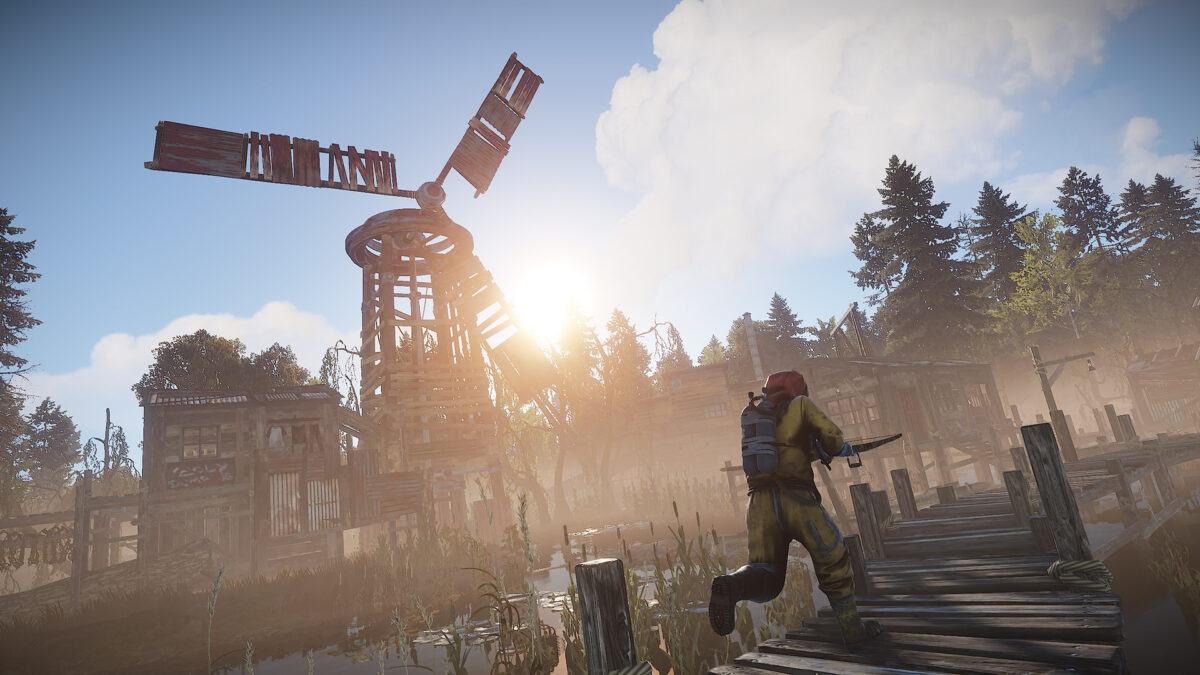
Are you ready for some first-person survival, construction, and action in Rust but waiting ages for the game to load? Rather frustrating, we know, especially if there’s a newbie out to attack you, and you have a masterplan to sidetrack him.
Don’t worry; we’ll give you some tips to get that game loading faster while your game plan is still fresh. Hopefully, you can get to your team quickly and divert the sneaky attackers.
Why is Rust so slow to load?
Rust is an exciting game where you get to put all your skills to the test to survive with only two tires, a stone, and a torch. You form part of up to 300 players in a game, and it’s truly survival of the fittest out there on the island. Due to the servers’ load with so many players logging in, loading times can take forever.
You can download Rust for Mac and Windows, free of charge if you haven’t joined into this action yet. There’s no time to waste, so let’s get your game going, shall we?
How to speed up Rust Free?
Tip 1: Don’t press alt+tab
The Rust client doesn’t like it when you browse while waiting for it to load, and using the alt+tab will prolong your game starting time.

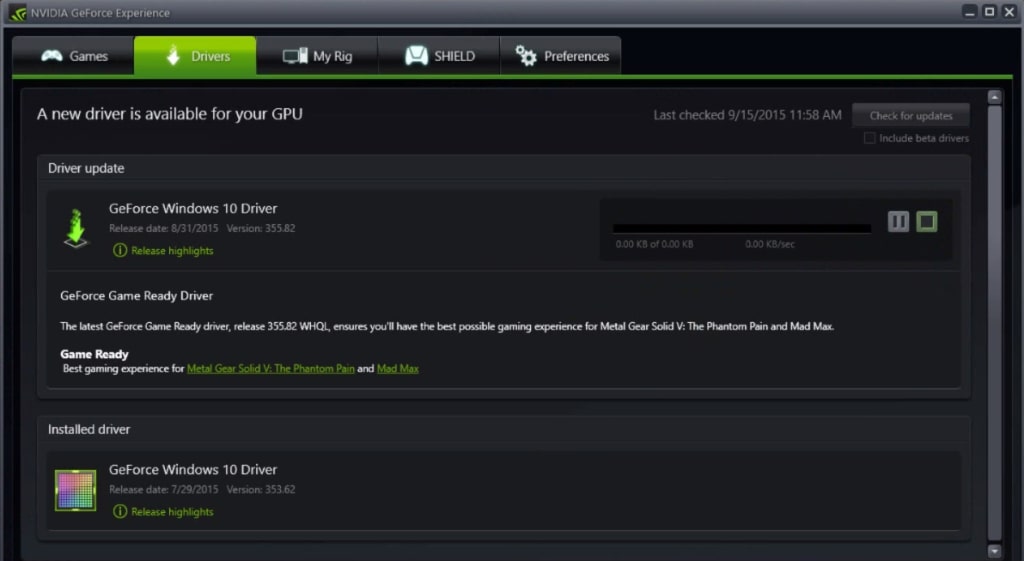
Tip 2: Update your drivers regularly
The Rust developers keep on improving and adding new graphics to the game. Make sure you stay up to date with your graphics drivers to prevent lagging.
Tip 3: Check your Steam updates
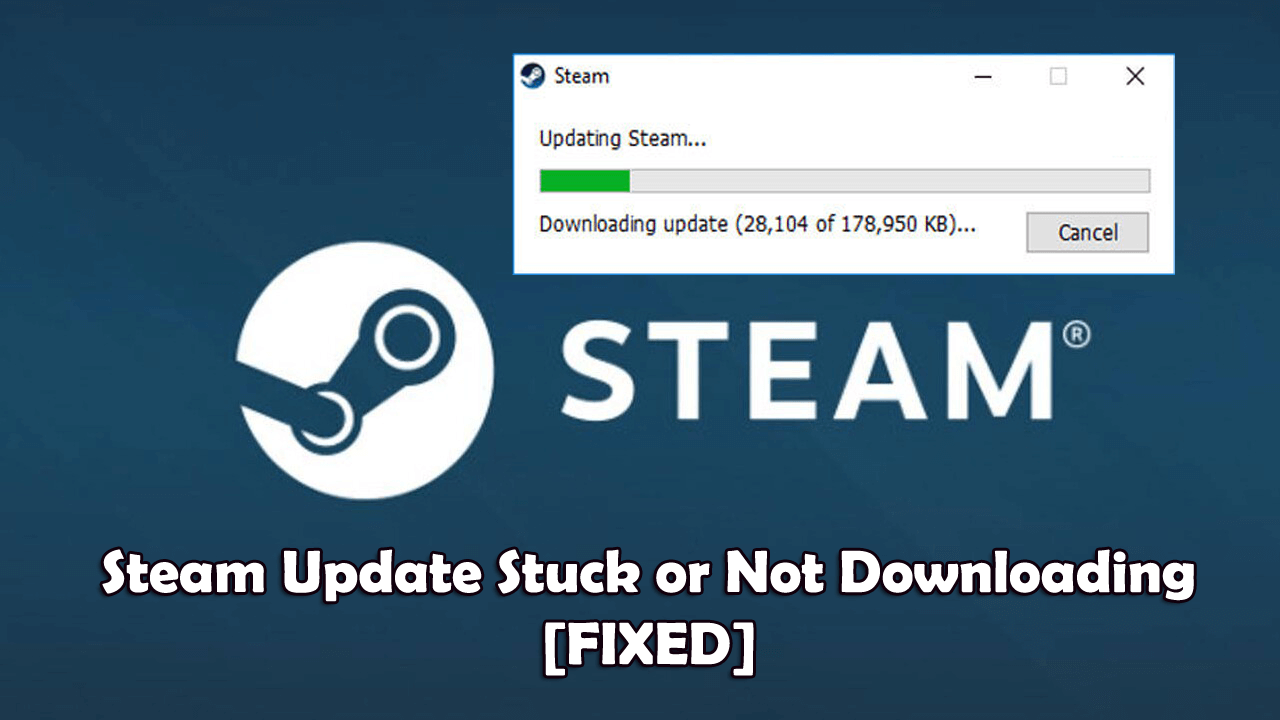
Although the Steam updates are automated, something could have stalled it, in which case you need to do a manual update. You can do a manual check-up by clicking on the ‘Check for Steam updates’ button on the top left corner of your Steam page. Follow the easy prompts if you need to catch up.
Tip 4: Skip the asset load
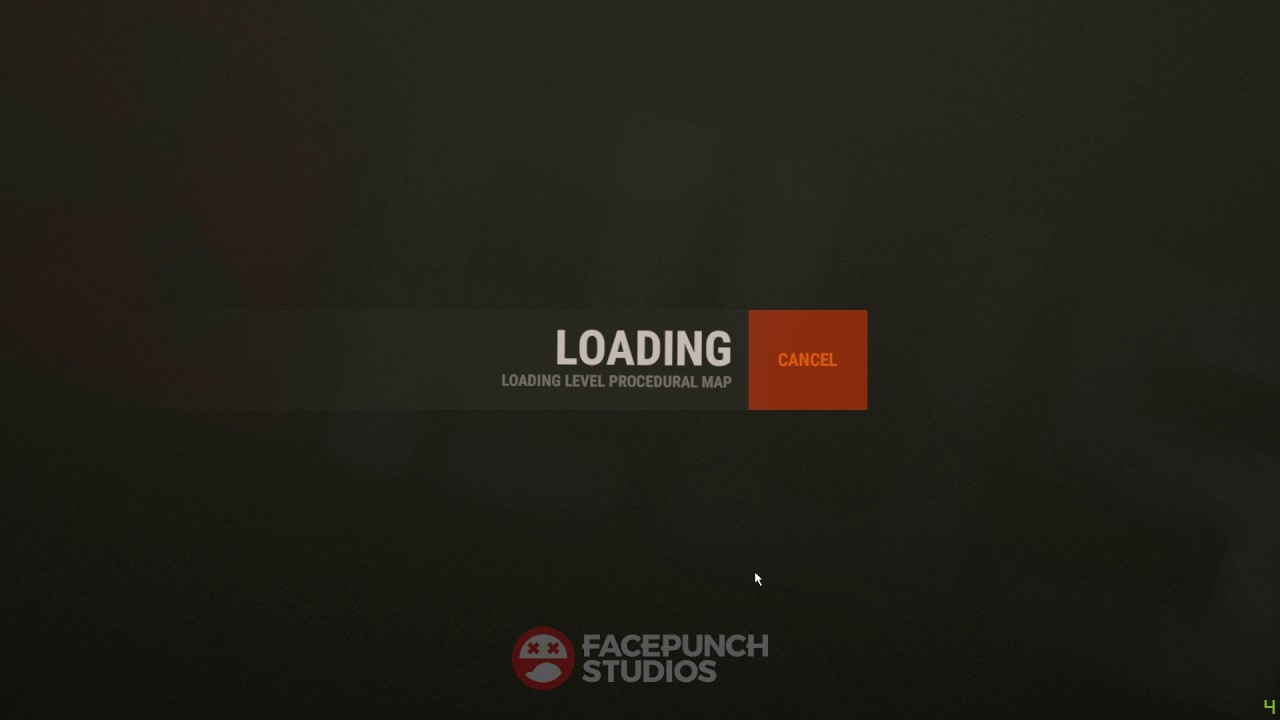
One of the most extensive files to load is the assets. You can skip this step to improve loading time drastically. You’ll see two large Xs while the software is loading. If you press the red X while loading, the server will drop you back a step and push you into the game as if you’ve completed the action.
Just keep in mind that if you choose this step, it can cause graphical errors that’ll take up time to fix later on. It should be a last resort to get into the game faster. Let’s call it an emergency when all else fails.
Hunting for scraps at the speed of light
Now that you know how to make Rust load faster, you’re back in the game. Make sure you have enough stone and cloth to continue crafting those significant items. You can also look at our guide for how to build in Rust.
Choose Softonic on Google and you'll see more of our articles in Top Stories, AI Overviews and AI Mode.
Latest from Shaun M Jooste
You may also like
 News
GTA 6 on Xbox Cloud Gaming: Xbox One gets Series S settings
Read more
 News
GTA 6 will be playable on Xbox One at launch, with a catch: it is cloud-only
Read more
 News
GTA 6 launch details are official: 30 FPS cap, 210 GB install
Read more
 News
Avengers: Doomsday death rumors explained: Loki leads early odds
Read more
 News
Google Gemini gets Memory Summary: now you can see what it remembers
Read more
 News
Johnny Galecki returns to acting after seven years: *Kowalski* marks his comeback
Read more