
News
Windows 11 gets Android 13 treatment

- October 24, 2022
- Updated: July 2, 2025 at 3:22 AM
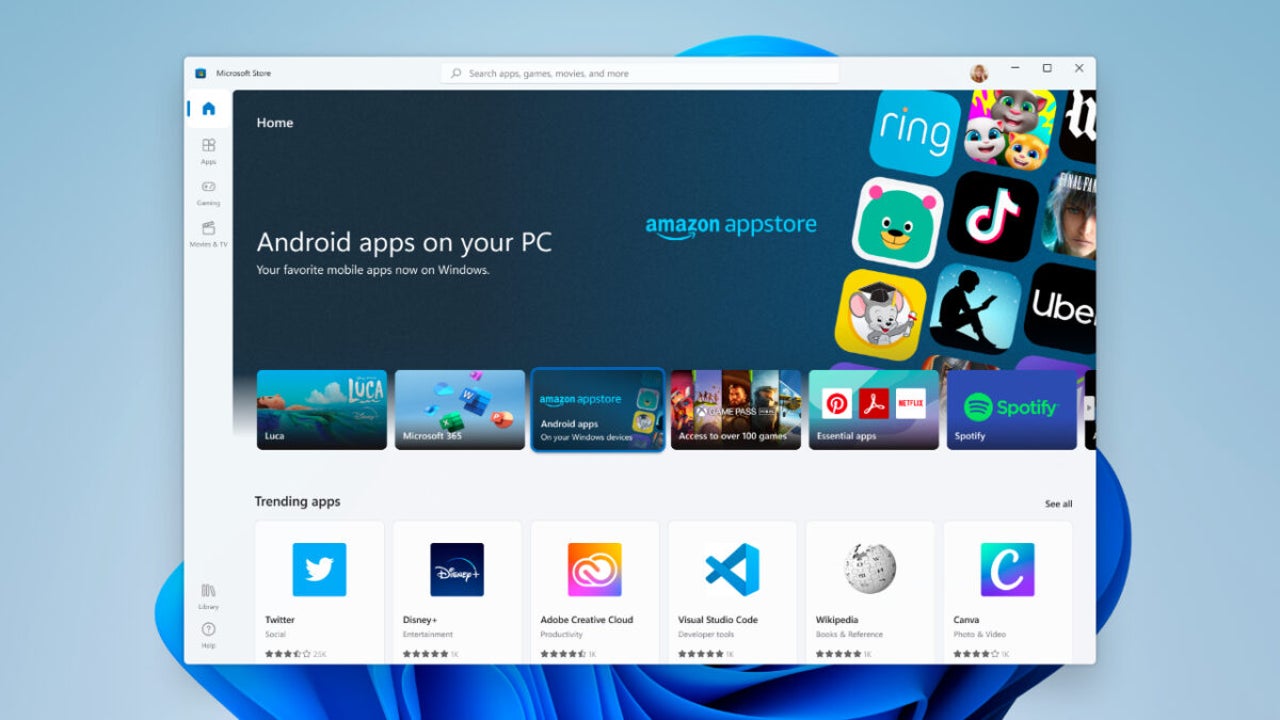
As we reported a while back, Windows 11 has a feature called the Windows 11 Subsystem for Android. This was one of the most exciting features before the official launch of the OS. However, since then, it hasn’t really had all that much media attention. That changes today with the announcement that the Windows 11 Subsystem for Android is being furnished with support for Android 13 in the upcoming updates.
The Windows Subsystem for Android is essentially an Android app store for your Windows 11 device. With this utility, you can run Android apps directly in the Windows 11 ecosystem without the need for a third-party Android emulator. Windows recently gave us details about the utility’s future through a roadmap posted to its GitHib page. The most exciting feature, of course, is the inclusion of support for Android 13, the latest version of Google’s mobile OS launched in August.
This is, however, not the only update coming to the Windows 11 Subsystem for Android in the coming updates. Even more exciting features are coming in the form of support for transferring files to your Android apps from Windows 11, new app shortcuts, and support for a picture-in-picture experience.
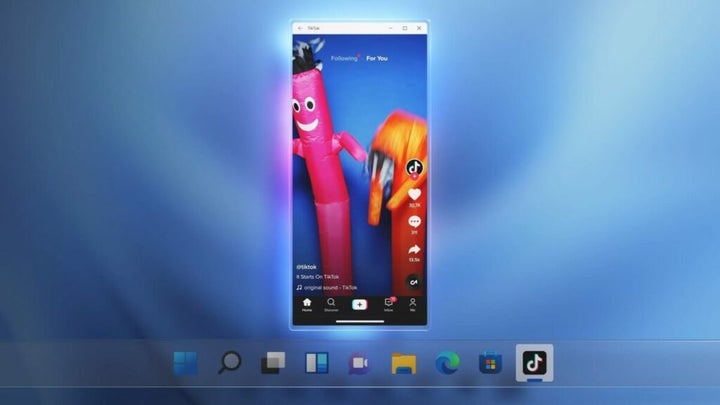
When launched in totality, these advancements and features should make Android apps feel more native to the Windows 11 ecosystem and not like a haphazard plugins. The Windows 11 Subsystem for Android is already relatively advanced as far as emulators go, with the apps already supporting the use of your keyboard, mouse, and touch screen when interacting with them. You can also already resize app windows as you can with any other window in Windows 11.
The Android App Store for Windows 11 was developed in conjunction with Amazon and is already available in 31 markets worldwide. While the catalog may have started out small in comparison to other app stores, the Android App Store currently lists around 50,000 games and apps that are available for testing.
If you’re looking for even more ways to make your Windows 11 experience more feature-rich, try the Microsoft PC Manager for Windows 11.
Choose Softonic on Google and you'll see more of our articles in Top Stories, AI Overviews and AI Mode.
Latest from Russell Kidson
You may also like
 News
Bit Reactor hit by new layoffs: Star Wars Zero Company studio cuts staff again
Read more
 News
Ocarina of Time remake datamine sparks fresh Master Quest DLC rumors
Read more
 News
GTA 6 leak points to 120Hz console support: 60 FPS still looks unlikely
Read more
 News
Nvidia hires crisis PR specialist: Jensen Huang controversy widens
Read more
 News
Android Auto drops older phones: Android 11 is now required
Read more
 News
The Take gets first look from Netflix: Washington and Pattinson revealed
Read more