

TrueCrypt
Thanks for downloading!
Click “continue / ok / accept” to continue with your free and secure download.
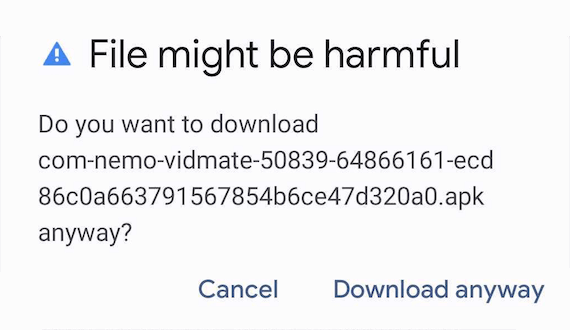
Click on the downloaded file (top left) to install it.
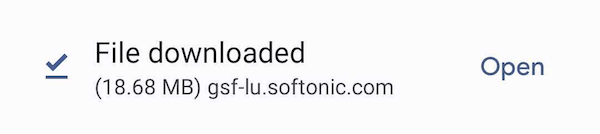
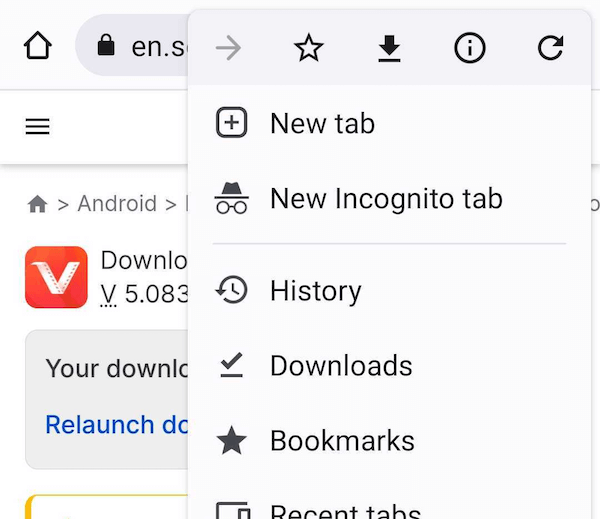
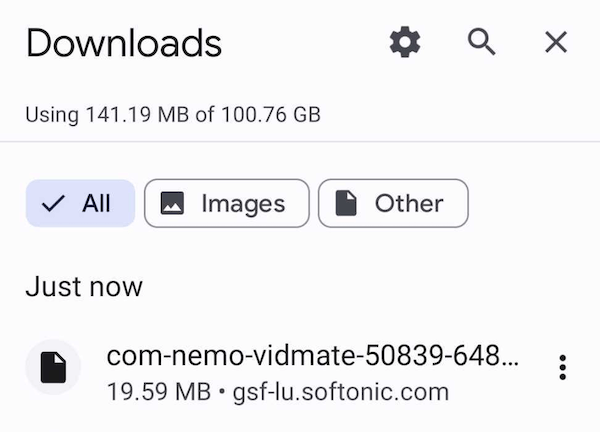
If you are unable to install the file, go to Settings > Install unknown apps > select "Allow from this source"
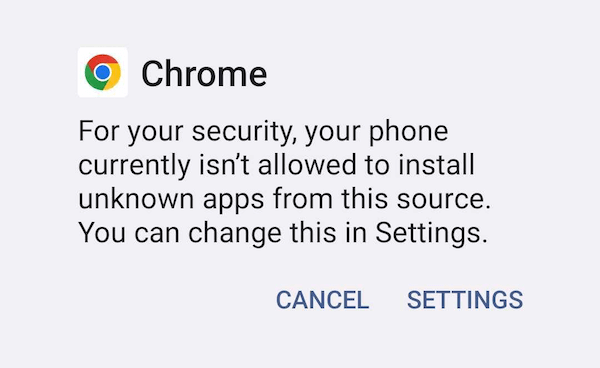
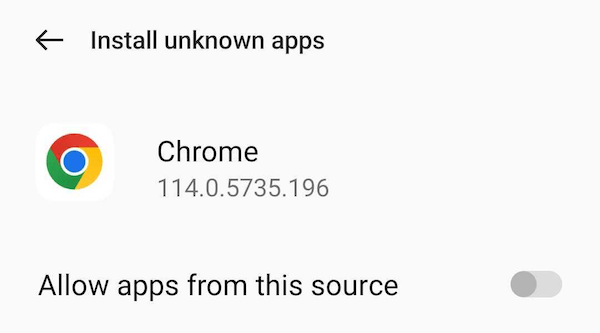
or go to Mobile settings > Apps > Chrome (or the browser you are using) > install unknown apps > Allow from this source.
Follow the installation instructions and enjoy the app.
Confirm the download
Click "Save" on the browser dialog window to approve and start your TrueCrypt download.
Run the TrueCrypt installer
Click the downloaded file to start the installation.
Follow setup instructions
To start the journey with TrueCrypt.