
How To
How to customize the Control Strip on your MacBook Pro

- October 25, 2018
- Updated: July 2, 2025 at 5:49 AM
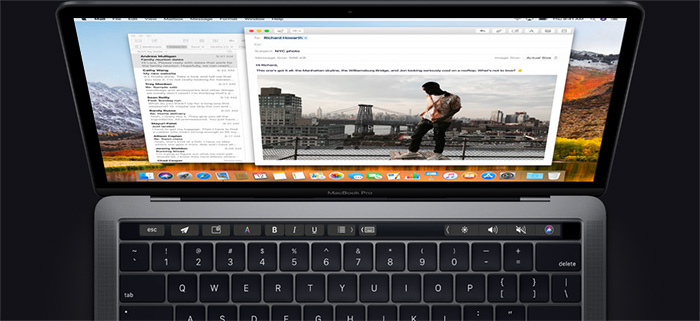
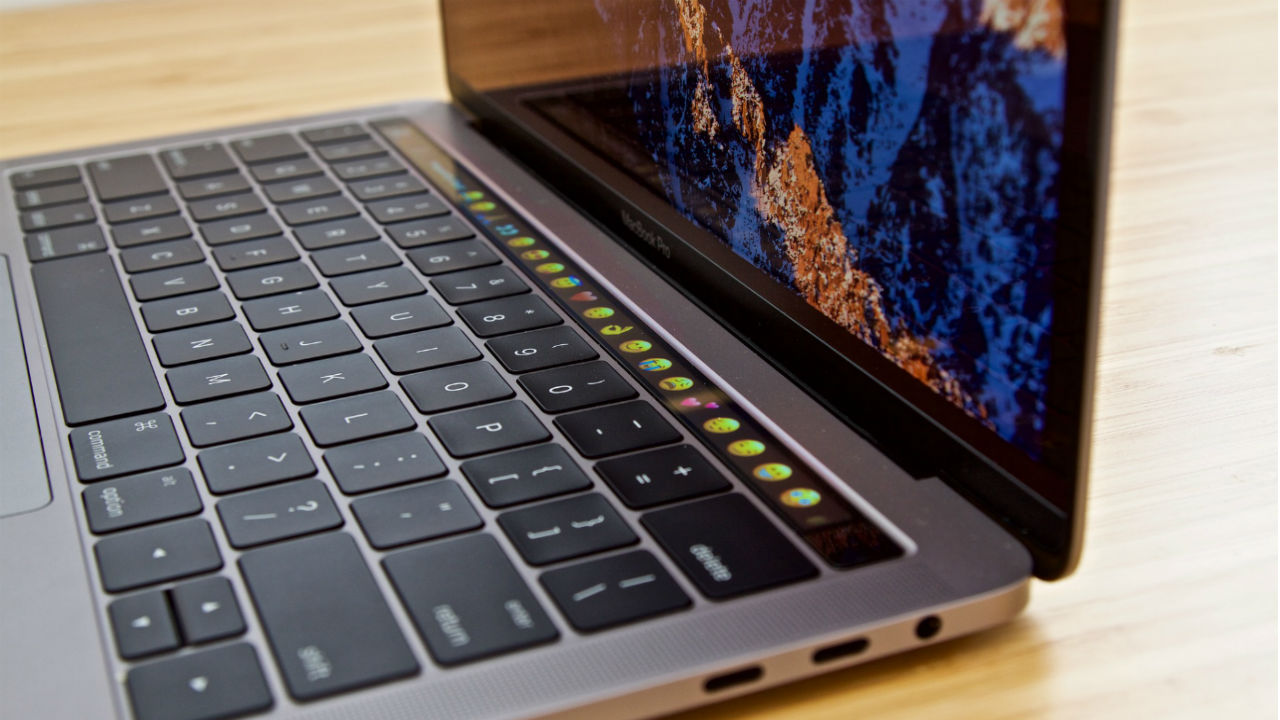
Did you know that customizing the Control Strip on your MacBook Pro can greatly improve your internet experience? You can edit the Control Strip to make it look however you want it to look! Just follow these simple steps to customize the Control Strip on your MacBook Pro.
How to customize the Control Strip on your MacBook Pro
1. Open System Preferences
First, you will need to click the Apple menu icon that is located in the upper-left corner of the screen of your MacBook Pro. Then, once you’ve opened the Apple menu, you need to click on the System Preferences option.
2. Select Customize Control Strip
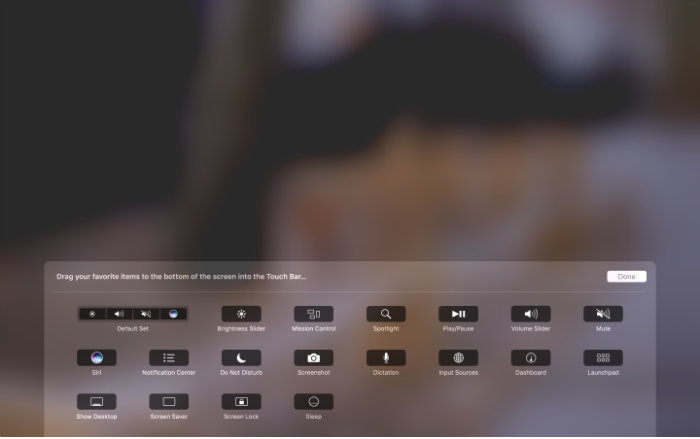
Now that you’ve selected System Preferences, click on the Keyboard option. After that, simply select the Keyboard tab. Now that you’ve gotten this far, you can select the Customize Control Strip option toward the bottom of the window. Once you’ve done that, your screen will briefly become blurry, and the customization panel will appear. In addition to that, the buttons on the Touch Bar will also enter jiggly mode.
3. Customize your Control Strip
If you want to customize the tools in the collapsed Control Strip, then you will click the Collapse button that’s located far left of the Touch Bar. If you choose to customize the full Control Strip, then select the Expand button that is found directly left of the tools in collapsed mode. You would do this if you want to move a tool from the screen into the Touch Bar to add it directly to the Control Strip. Just drop the tool into the Touch Bar and it will appear there.

What's new in macOS Mojave?
Read Now ►4. Remove unwanted tools and finish
If you want to remove a tool from the Control Strip on your MacBook Pro, you can move the cursor into the Touch Bar and select a tool to remove it from the Control Strip. Simply click on a tool on the Controls Strip and drag it to a new location on the Touch bar to rearrange the order. Finally, once you’re finished with customizing your Control Strip, click Done and your changes will be saved.
Keep up with Softonic
Get our latest tech news first, wherever you read.
Miranda Lucas is a writer based in Austin, Texas. Since graduating from the University of Michigan, she's written for numerous web-based publications. In her free time, she enjoys running, camping, and learning Spanish. Every year, she asks Santa for a second season of Firefly, but she's starting to think Santa isn't real.
Latest from Miranda Lucas
You may also like
 News
Xbox reveals Project Helix: its next-gen console plan with PC access and backward compatibility
Read more
 News
Robert Pattinson confirmed as James Bond: Amazon starts a new 007 era
Read more
 News
NBC100: The Live Celebration is official: The Office reunion leads December special
Read more
 News
Nvidia CEO Jensen Huang is still in charge: Trump’s ‘return’ claim doesn’t hold up
Read more
 News
Xbox releases GTA 6 doctor’s note: DJ Khaled stars as “Dr. Xbox”
Read more
 News
The creators of The Rings of Power claim that the series wouldn’t work without the help of one of Tolkien’s relatives
Read more