How To
How to Get Adobe Photoshop for Free 3 Different Ways

- May 25, 2021
- Updated: July 2, 2025 at 4:05 AM
Adobe Photoshop is one of the best photo editing programs on Windows and Mac. One of the downsides of Photoshop is that it can be pricey, especially if you are not a professional where the program can pay for itself.
So, what are your options for a free version of Photoshop? There are three ways you can use it without paying for it, depending on the features and version you’d like to use. Keep reading if you’d like to see which tools to look forward to.
Adobe Creative Apps
Get a 30-day free trialFree Trial Version
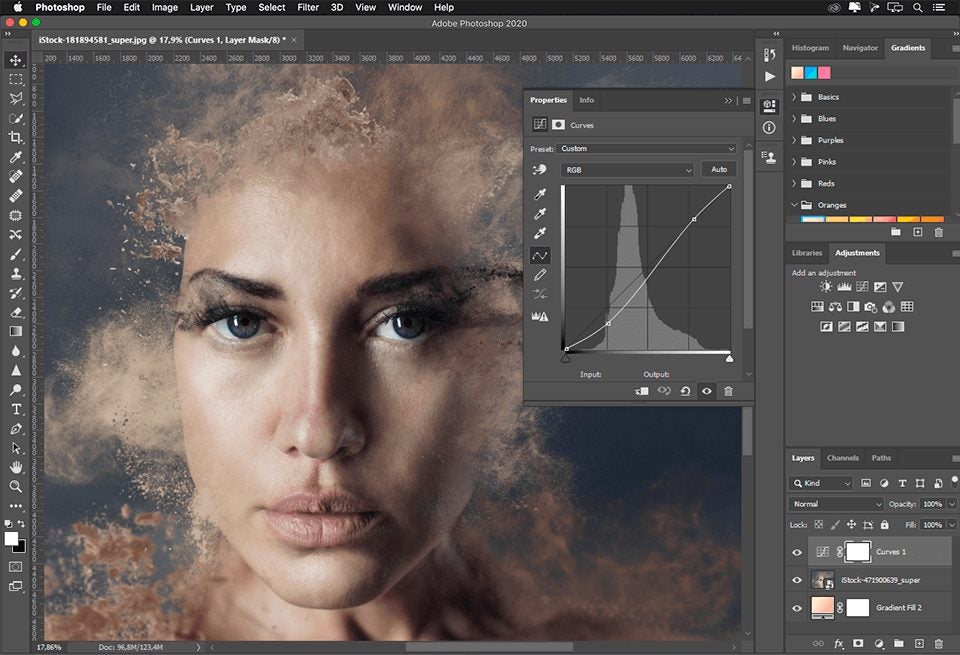
You can use the trial version of Adobe Photoshop for free for seven days. This is an excellent option for you to test out the program and get a feel for it before deciding to pay for the subscription. The trial included all the features of the paid version. You will also need to sign up with the Creative Cloud, which is free to do, and links between all the Adobe programs and syncs your designs to the cloud so you can access them easily from anywhere.
Download and Use Version CS2
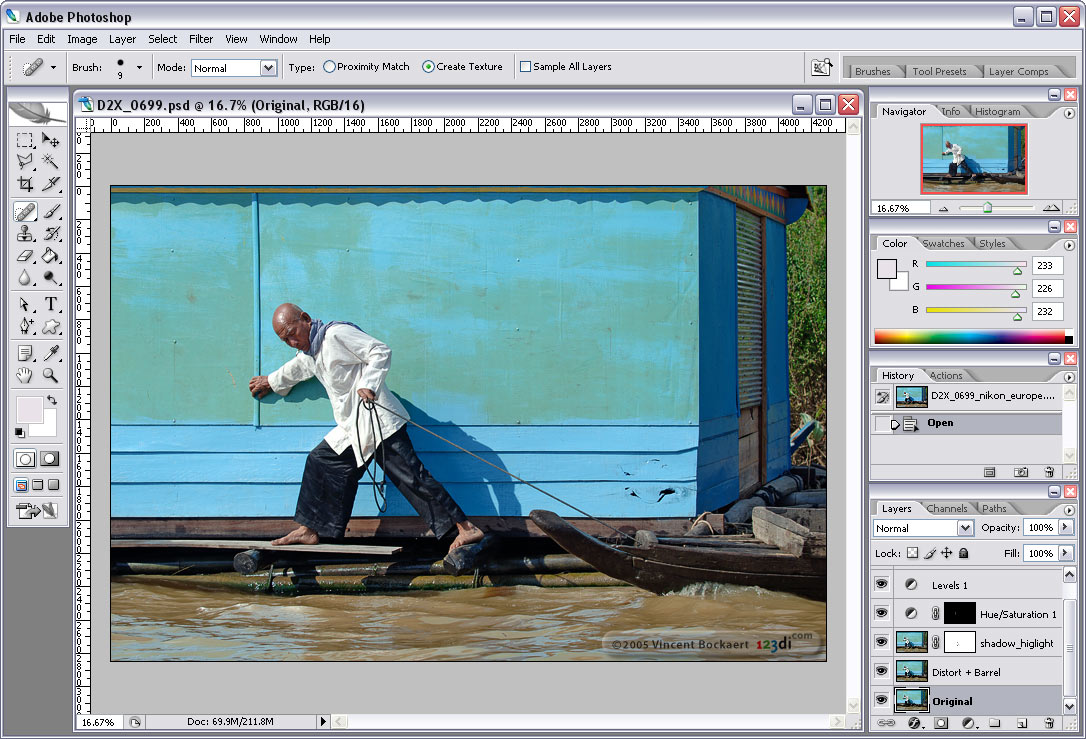
Adobe releases all the version CS2 of their programs for free, so you can download and use this version, Adobe Photoshop 7, for free. It is important to note that this version is over ten years old and does not contain all the features and functions of the newer version. Also, you will not be able to contact Adobe with any issue or problem you experience when using the older version as there is no support available for this software anymore.
Photoshop Express
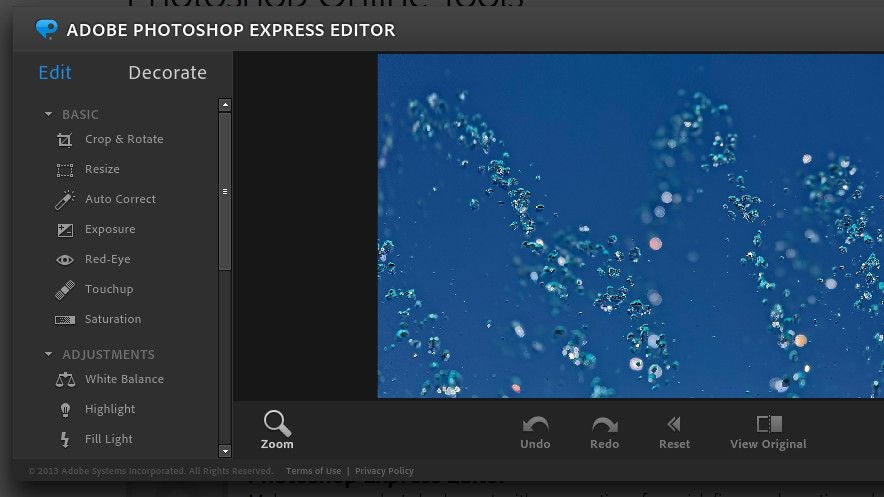
This free option is more directed to individuals who work on their smartphones. It might not be as fully featured as the full desktop version, but it is still very versatile and comprehensive for a phone app. Photoshop Express also links to the Creative Cloud and has its own cloud storage as well. In terms of features, this app more closely resembles Photoshop Elements, a simplified version of Photoshop for those looking for a cheaper option for more basic editing requirements.
Free Photoshop Options for Your Editing Needs
There are free Adobe Photoshop options available. Choosing which one to use will be based on what you need to do and how many features you require. Try these options, and you may be pleasantly surprised.
For instance, you can create or modify brushes to achieve different effects and results based on your desired outcome. It doesn’t matter if you’re working from scratch or modifying an existing photo. There are plenty of tools for you to enhance your content, making them stand out from the rest.
If you’re keen on sharing your work on social media, Adobe Photoshop lets you save the dimensions you need for the applicable platform. You can also synchronize Lightroom files if you want to improve your editing workflow. There are also fine-tuning options, such as adjustment sliders and layered filters.
Don’t worry about making mistakes or correcting effects on photos. There are quick-fix tools you can use to make some fast adjustments, such as noise correction, photo repair, and quality restoration. You’ll also have the opportunity to work on animations, GIFs, and videos, even in the free versions.
Grab your Copy and Get Editing!
You can see why Adobe Photoshop is so popular worldwide as one of the top photo and video editors. While you can use many ways to use it for free, we recommend unlocking all of the tools to their full potential.
Adobe Creative Apps
Get a 30-day free trialYou may also like
 Article
AI Auto-Cut Deep Dive: Transform Long Videos into Engaging Shorts with Premiere Pro
Read more
 News
NewsBorderlands 4 was not what players expected and Gearbox is trying to make it up to them
Read more
 News
NewsIdentity management as a key to protecting data in the cloud
Read more
 News
NewsCamp Rock 3 is already a reality, and it will bring together the Jonas brothers but will have a significant absence in its cast
Read more
 News
NewsJessica Chastain and Ben Stiller together as stars and producers in the new Apple TV+ series
Read more
 News
NewsThe Muppets will return next year in a special show with Sabrina Carpenter
Read more