
How To
How to Find Google Classroom Code in 3 Fast Steps
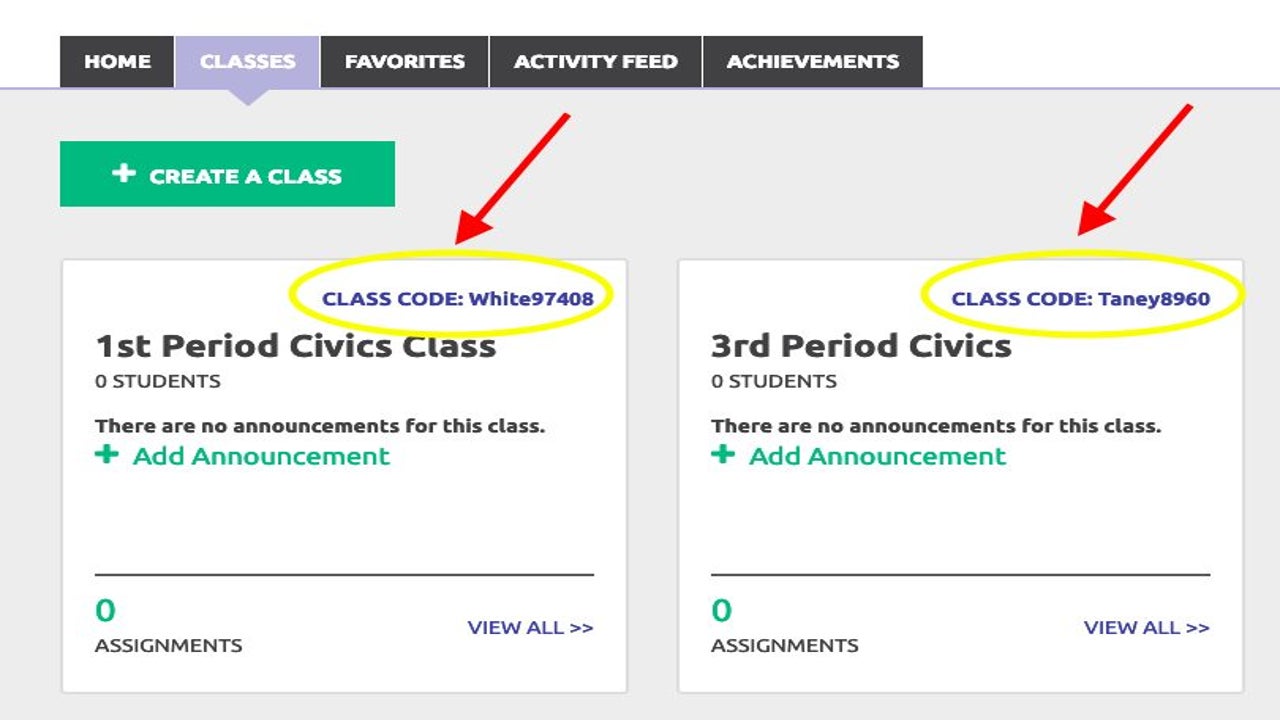

- April 30, 2021
- Updated: July 2, 2025 at 4:07 AM
Google Classroom has made it easier for teachers to assign tasks and discuss topics with students on its app. You can easily add students to your classes by sending them a unique card linked to the lessons. Without these details, they won’t be able to access any content, which can be devastating to their studies.
How to Find Google Classroom Code
Each Google Classroom code is unique, consisting of random numbers and letters that sets it apart from other virtual classes. If the students get one digit wrong, they won’t be able to enter the lesson. Make sure that you copy the text correctly before sending it out.
Step 1: Access your account
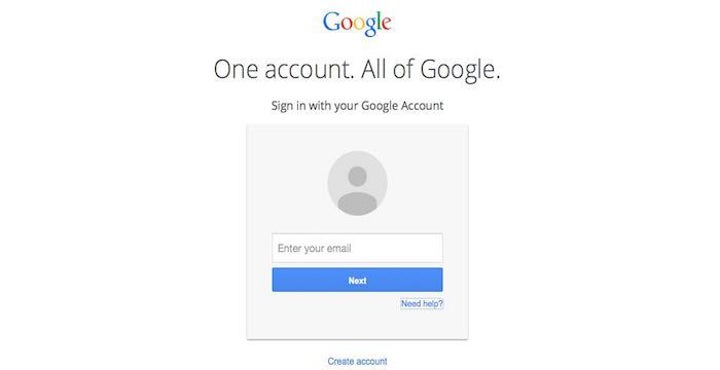
Firstly, you’ll need to head to the website or app and log into your account. It will show you which classes you have available.
Step 2: Select the class card
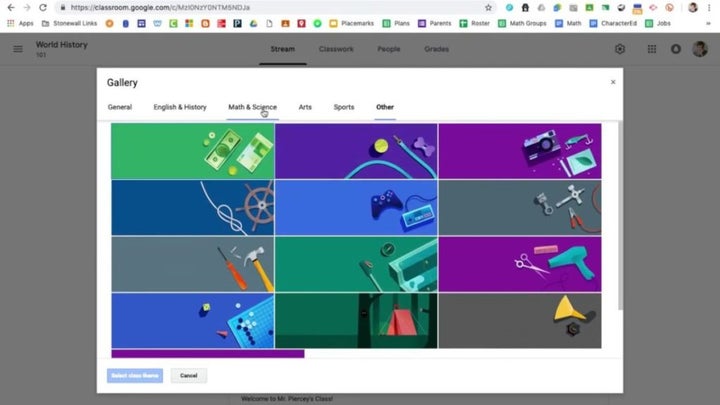
When you’re ready to invite your students to your class, select the appropriate card. Don’t make the mistake of choosing one that’s doesn’t relate to your other students, as this will cause confusion.
Step 3: Find the class code
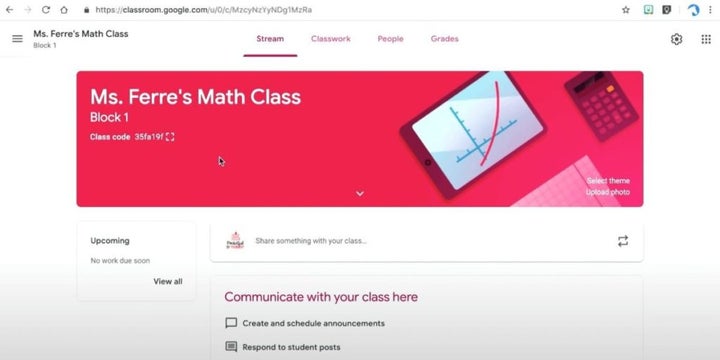
Finally, look under the class name. You’ll see a string of numbers and letters that represents the code. You can now send those details to the students for that specific lesson so that they can join.
Are you ready to teach?
Now that you’ve found your Google Classroom code, you can begin your lessons. Remember, it offers tons of features for your students to complete assignments and meet in groups to discuss relevant topics. However, they won’t be able to participate if you don’t give them the correct text during the invitation stage.
Latest from Shaun M Jooste
You may also like
 News
NewsThe Web You Remember Is Waiting Here: Share Your Memory and Win a Trip to Switzerland
Read more
 News
NewsThe CEO of Take-Two fully trusts the skills of the new CEO of Xbox
Read more
 News
NewsAfter finishing his series, Jack Ryan receives the first trailer for the movie with which he says goodbye
Read more
 News
NewsDo you want to go back to physical format? Some suggest replacing DVDs with… flash drives
Read more
 News
NewsThere is a reason why 'Dune 3' seems completely different from the first two parts: it is
Read more
 News
NewsRobert Pattinson hints that 'The Batman II' will have twists you won't see coming
Read more