
How To
How to get Google Search and Google Chrome on Windows 8

- October 31, 2012
- Updated: July 2, 2025 at 8:42 AM
 Microsoft has tightened control over its products’ ecosystems by integrating all of their different services. Windows 8 and Windows Phone 8 are tightly integrated and want you to use the services that Microsoft provides like Bing and SkyDrive. While these services work well, there are many people who prefer other services and search engines.
Not to worry, Google can be set as your default search engine and it takes a few easy steps. In this guide, I’ll show you how to set Google to be your default search engine as well as replace Internet Explorer as your default browser in the Modern UI.
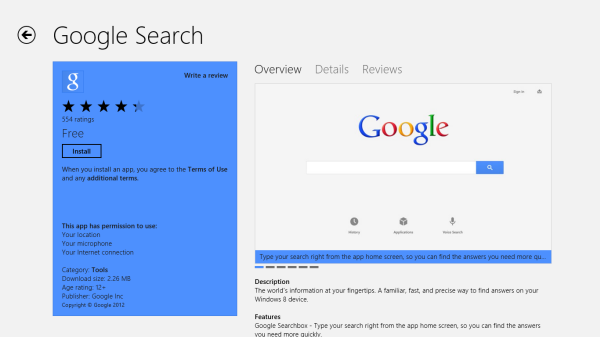
The first thing you need to do is to download the Google Search app for Windows 8 or Windows RT. You can download it here.
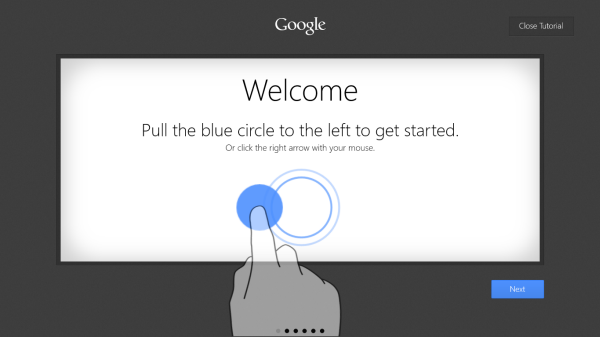
Next you’ll be guided through some set up procedures and there will be a brief tutorial about how to use the Google Search app.
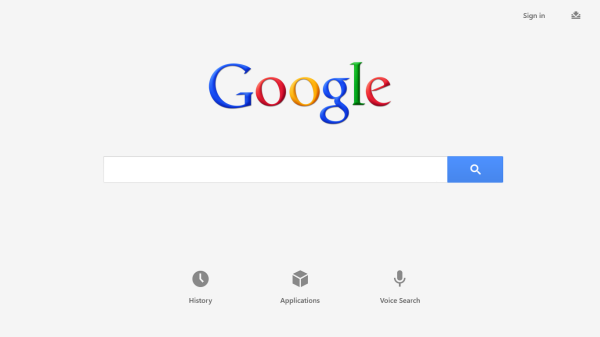
You can drag the Google Search icon wherever you want on your home screen. Next, activate the Charms Bar and hit the search button. Find Google Search, right click or tap and hold to bring up the context menu. Pin Google Search to the top for quick access to search from the Charms Bar. That’s all there is to it!
If you want to replace Internet Explorer as your default browser in Windows 8’s Modern UI, download Google Chrome for Windows 8.
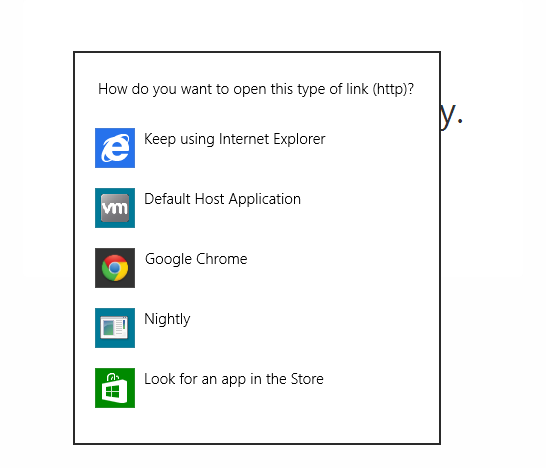
Once you’ve downloaded and installed Google Chrome, it’ll take you through a short setup where you can choose Chrome to be your default browser. That’s it! Drag the Chrome icon wherever you want in the Modern UI for easy access.
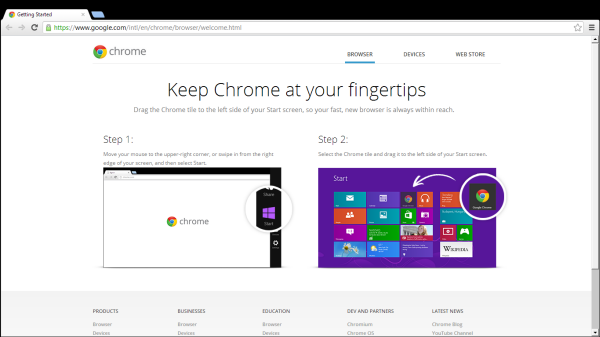
Google Chrome for Windows 8’s Modern UI is not as intuitive or touch friendly as IE but if you need to sync all of your data from Google, then Google Chrome will work just fine.
You may also like
 News
NewsAdobe Stock: Unlock Your Next TikTok Hit with Millions of Creative Assets
Read more
 News
NewsWarner has already chosen between Netflix and Paramount (again), and the decision will surprise many
Read more
 News
News"I couldn't do something similar to what Martin Scorsese does." DiCaprio refuses to direct for an obvious reason
Read more
 News
NewsWe all love the Zelda song, but it was composed in a hurry to replace another much more well-known theme
Read more
 News
NewsThe best thing that could happen to GTA 6 was that it got delayed, or so says the creator of The Elder Scrolls 6
Read more
 News
News'M3GAN 2.0' has failed so much that it has even canceled the release of its spin-off
Read more