

Adobe Creative Cloud Pro for Students: Save Over 75% and Build Your Creative Skills
Everything students need to create, study and build their skills


- August 18, 2026
- Updated: August 19, 2026 at 3:29 AM
Student life isn’t just about creating projects. You also have lectures to prepare for, research to organise and exams to study for. Adobe has tools designed to support both sides of that experience: Creative Cloud Pro for Students helps you create, experiment and build creative skills, while Acrobat Student Spaces helps you study, research and prepare.
From August 17 to September 2, 2026, eligible students in the US and Canada can save over 75% on Creative Cloud Pro for Students. This substantial discount provides access to Adobe’s professional creative tools with applications such as Photoshop, Illustrator, Adobe Premiere Pro and InDesign. Terms, eligibility and offer details apply, so double check before you commit.
Alongside Creative Cloud Pro for Students, Adobe also offers Acrobat Student Spaces, which brings together tools for turning course materials into study guides, quizzes, audio and more.
Creative Cloud Pro for Students
SAVE OVER 75% NOWA Student Plan Built Around More Than One Kind of Creative Work
Creative Cloud Pro for Students is the discounted student version of the wider Creative Cloud Pro Plan. It brings together more than 20 apps and includes cloud services, AI features, and learning resources that are very useful for student workflows.
This is important because a lot of student work is multi-disciplinary and can span multiple formats. Depending on what you’re studying, photos for a project or a shoot can be edited in Photoshop or Lightroom. Podcasts or interviews can be edited and cleaned up in Audition. If you want to knock together a short film or showreel then there is Premiere Pro and After Effects. Presentations or portfolio pieces can be laid out in InDesign. But rather than treat each as a separate problem, the real power is that you can use assets across the tools confidently.
Maybe you are a student designer thinking about trying video. Maybe your friend covers photography but gets stuck on page layouts. When different formats and people need to work together, it’s useful to have the tools to facilitate your ideas.
The plan also includes cloud storage, templates, Adobe Fonts, tutorials, access to selected free Adobe Stock assets, Adobe Portfolio, and Behance. Sure, you may not find that you are going to use every app and feature, but that’s kind of the point: You can change your workflow to adapt a project to go where it actually needs to go.

Student Projects You Can Make Across Design, Photo, Video and Audio
Creative Cloud Pro for Students gives you space to start with what you know and test other formats as you go. Your standard entry points are design, photography, illustration, or even just curiosity.
Design Graphics, Layouts and Visual Systems
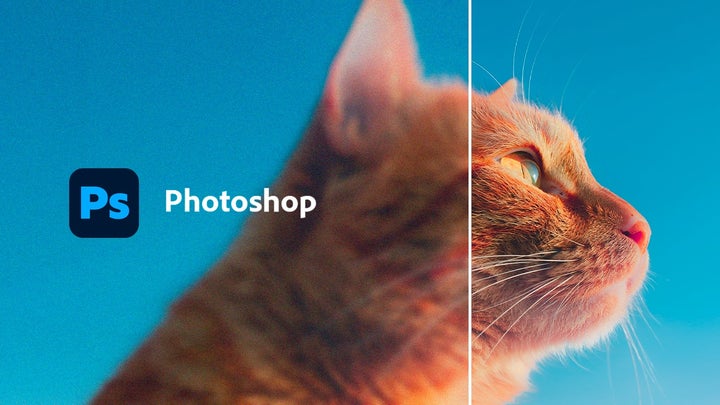
Photoshop supports you in editing, combining, and transforming photos. You could use it to refine a campaign image, build a visually engaging collage for an art class, or adapt some of your visuals for a presentation.
Illustrator handles vector artwork such as logos, icons and illustrations. Because vectors are built from points, lines and curves rather than pixels, pure vector graphics can be scaled up or down without losing sharpness. It works for branding, event posters, typography experiments, and (of course) illustration.
You’ll probably reach for InDesign when anything needs a layout and structure, publications like magazines, portfolios, editorial assignments, brochures, and other documents. You could design a wireframe in Illustrator, edit visuals in Photoshop, then pull it all together for the final product in InDesign.
Edit Photos and Shape Visual Ideas
Any professional photographer can tell you that Lightroom and Photoshop do different jobs, but they work so well together. Lightroom helps you organize and edit groups of photographs. For students, it’s useful for organising and editing photoshoots, travel series, classroom assignments, and portfolio sets. Lightroom is well suited to organising photo collections, processing RAW files and applying consistent global adjustments across a series of images.
Photoshop gives you more detailed control over a single image, allowing complex layer-based edits. You can retouch, composite, remove or extend image content, and build more complex visual pieces. For example, you could edit a full photo series in Lightroom to adjust white balance, exposure and noise, then refine a key image in Photoshop for a final cover, poster or portfolio lead.
Video, Audio and Motion Graphics Editing
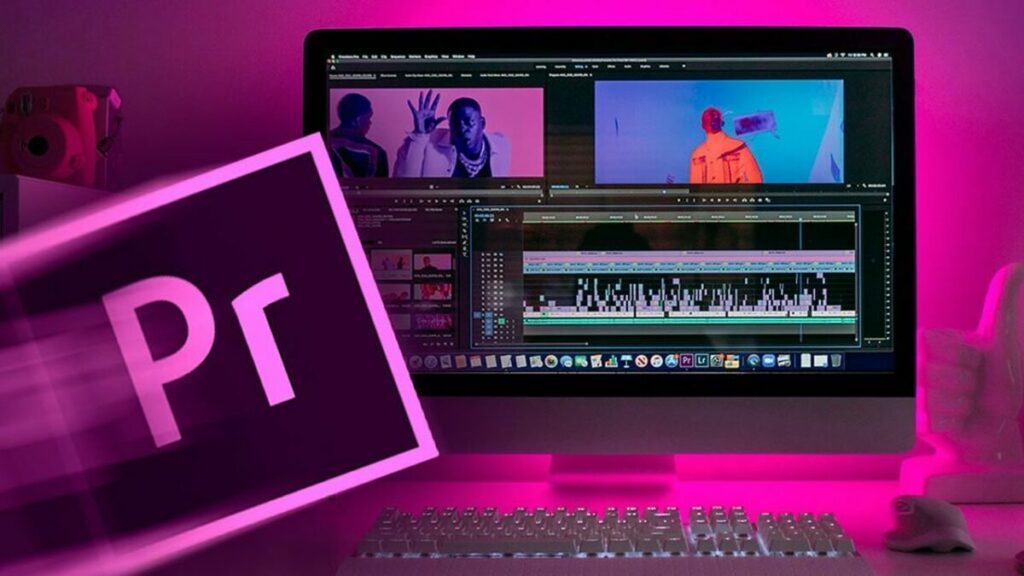
Adobe Premiere Pro is the plan’s primary video-editing app, with tools for editing footage and audio, adding titles and captions, adjusting colour, and applying transitions. It’s a great fit for short films, video essays, video interviews, and reels.
When a project needs movement beyond basic editing, then After Effects can step in with animation and motion graphics. You might animate a title sequence, bring an illustrated logo to life, or add visual effects to a short film.
Audition can cover any audio work underneath it all. It has tools that can record, edit, mix, clean up, and restore sound for podcasts, interviews, video projects, and sound design. When used together, you’re covered for picture, movement and sound, making your projects feel more complete.
Present Work Without Treating it as an Afterthought
Finishing your creative work can take you far, but sometimes you still have to present and package it properly. Acrobat helps you create, edit, organize, export, and share PDF files. It matters for portfolios, proposals, applications, and coursework. When you’ve got a project that spans several files, being able to create a coherent document to tie everything together can be a considerable help.
Adobe Portfolio and Behance present finished work. As you produce more and more work and projects, you should never let that history of talent go to waste. Portfolio will let you build a website around your projects and Behance gives you a place you can publish them while providing context about your process to reach your results. Together they help you present your skills to clients, schools, or employers.
A Separate Study Tool: Acrobat Student Spaces
Creative projects aren’t the only thing students have to keep on top of. There are lecture notes to sort through, essays to reference and exams that always seem to arrive sooner than expected. Although separate from the Creative Cloud Pro for Students offer, Acrobat Student Spaces is designed to make some of that work less daunting. Its focus is simple: making studying, researching and preparing for exams easier.
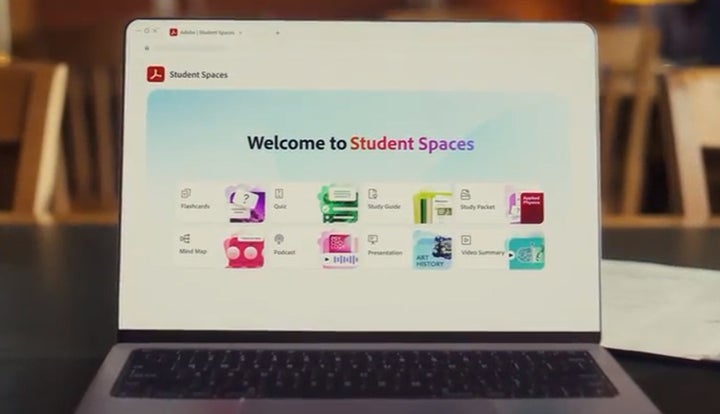
Available to students in the US and UK, Student Spaces gives students a place to bring together course materials and work with them in different ways. Instead of simply rereading the same notes, you can turn your materials into study guides, flashcards and practice quizzes to help you review what you know and identify what you might need to revisit.
Using AI as a Study Partner
If you need help studying, Student Spaces includes AI Assistant. Rather than simply answering questions about what you’re working on, Adobe’s assistant can check the materials in your Student Space and help you engage with them. You can use it to review information, explore concepts you didn’t fully grasp in class or prepare for an exam.
Student Spaces can also turn your notes into audio, letting you revisit your course materials when you’re on the go. For essays or research papers, the tool can easily generate citations in a streamlined way. If you’re in a group project, Shared Spaces also offers a convenient space to bring materials together, review notes and study with your classmates.
Using Firefly in Student Projects
Firefly is a family of generative AI models and creative AI tools available across a number of Creative Cloud Pro for Students apps and through Firefly itself. For students, it can be particularly useful early in a project for testing ideas, exploring different directions or creating a starting point for your work.
The plan includes unlimited access to standard generative AI image and vector features, such as Generative Fill in Photoshop. It also currently includes 4,000 generative credits per month for premium video and audio features such as Text to Video. Generative credits are usage tokens for various advanced AI operations, with the amount required depending on the feature, model and settings.
So what can you do with Firefly? You can test different backgrounds, extend images, explore visual styles or create an early proof of concept. Rather than settling on your first idea, you can quickly generate options and then develop the strongest direction using the rest of Creative Cloud’s tools.
Firefly is particularly useful when it’s supporting your creative decisions, not making them for you. You remain responsible for shaping and refining the results.
What to Check Before You Sign Up
Saving over 75% makes this an attractive offer, but before you subscribe, there are a few things to check:
- Eligibility: Confirm you qualify under Adobe’s rules. They check for age, institution and enrolment. Adobe may verify your student status through a school email address or request current enrolment documents.
- Plan terms: Read the fine print at checkout including the price after any promotional period and how billing is structured. You should be aware of what to expect for extending the subscription.
- System requirements: Check Adobe’s hardware and operating system requirements. Video tools in particular can be resource intensive so you should be sure your system can handle it if you plan to use them.
Creative Cloud Pro for Students
SAVE OVER 75% NOWSave Over 75% Before September 2
So, from August 17 through to September 2, 2026, if you’re a student in the US or Canada, visit the Creative Cloud Pro for Students page on Adobe and check if you’re eligible. If you are, the plan gives you more than 20 apps with the generative AI features, access to the Adobe Stock free collection and more.
Student projects rarely stay inside one creative discipline. Whether you’re designing a presentation, producing a short film or building your first portfolio, Creative Cloud Pro for Students gives you the flexibility to work between design, photography, video and publishing. All of it without changing ecosystems.
Acrobat Student Spaces gives students a free way to work with course materials, prepare for exams, create study resources and learn alongside their peers. It is separate from Creative Cloud Pro, but complements it by supporting the studying and preparation behind your creative work.
If Creative Cloud Pro suits the way you create and present your work, check your eligibility and the final terms before September 2 to save over 75%.
Mireia Fernández is passionate about the world of video games and new technologies, a hobby that dates back to her childhood with the MSX HB 501p. Born and residing in Barcelona, Mireia has been working as an editor for over 10 years and specializes in writing reviews, tutorials, and software guides, as well as doing everything possible to publish news before anyone else. Her hobbies include spending hours playing on her console, walking her golden retriever, and keeping up with the latest SEO developments.
Latest from Mireia Fernández
You may also like
 News
NewsWe’ve already seen Netflix’s GTA 6 gameplay and we can say it’s everything we were hoping for
Read more
 News
NewsWhat if Thanos comes back in ‘Avengers: Doomsday’? His actor says neither yes nor no
Read more
 News
News‘Toy Story 5’ already has a release date on Disney+! If you missed it, you’ve got no excuse now
Read more
 News
NewsThe Girl in the River lands a September 2026 release date: limited theatrical and digital debut
Read more
 News
NewsAlien lands on Netflix US on September 1, 2026
Read more
 News
NewsMichael Biehn is ready to return for FX’s Far Cry series: even for a cameo
Read more