
How To
How to use the Video Downloader for Reddit Chrome extension in 4 steps

- June 17, 2022
- Updated: July 2, 2025 at 3:38 AM
Have you ever been browsing Reddit and wished it had a video downloading feature built-in? While the service is not intrinsic to the platform, you can install the Video Downloader for Reddit extension with Google Chrome.

As the name implies, it allows you to download videos from Reddit completely for free using the same process as the classic Redditsave.com website.
Accessing the extension

After installation is complete, you can toggle the extension by clicking the red icon on your extension bar. If you do not see the RedditSave icon, click on the extensions jigsaw icon to pull up a list of downloaded extensions. Click the pin icon next to RedditSave to permanently add it to the top of Chrome when browsing.
Finding a valid Reddit post
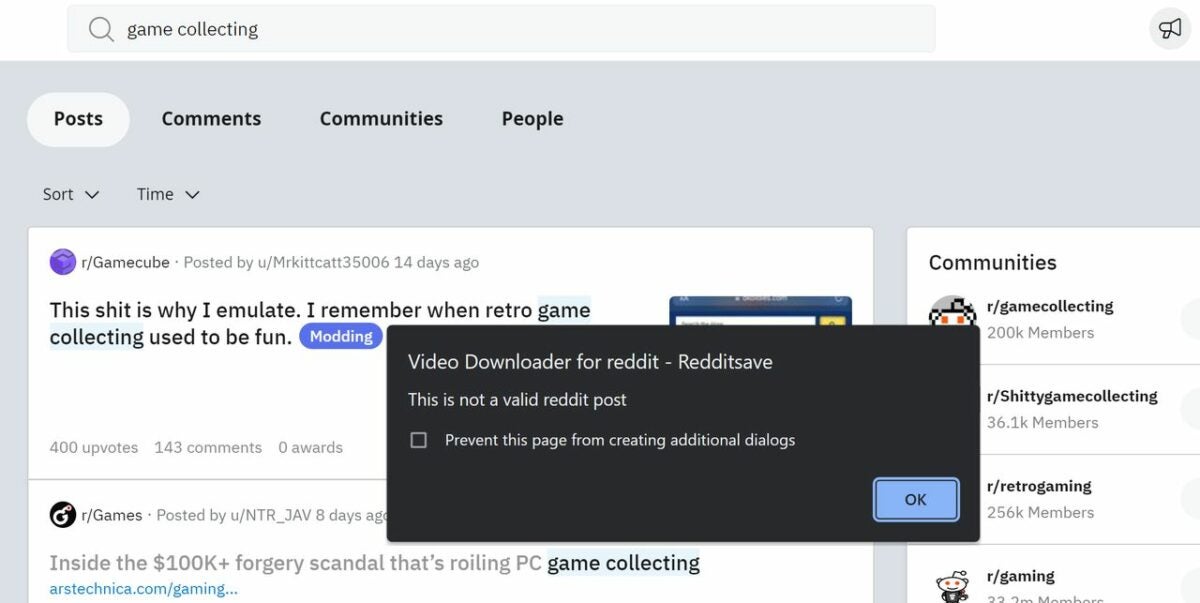
RedditSave will only work properly on Reddit posts that meet one simple requirement — it must have a valid video embedded into it. Keep in mind that a mere hyperlink to a page with an embedded video will not be picked up by the extension’s scanner. You can always check a page anyway by clicking the RedditSave extension icon. The pop-up pictured will warn you that the action is invalid.
Downloading a video
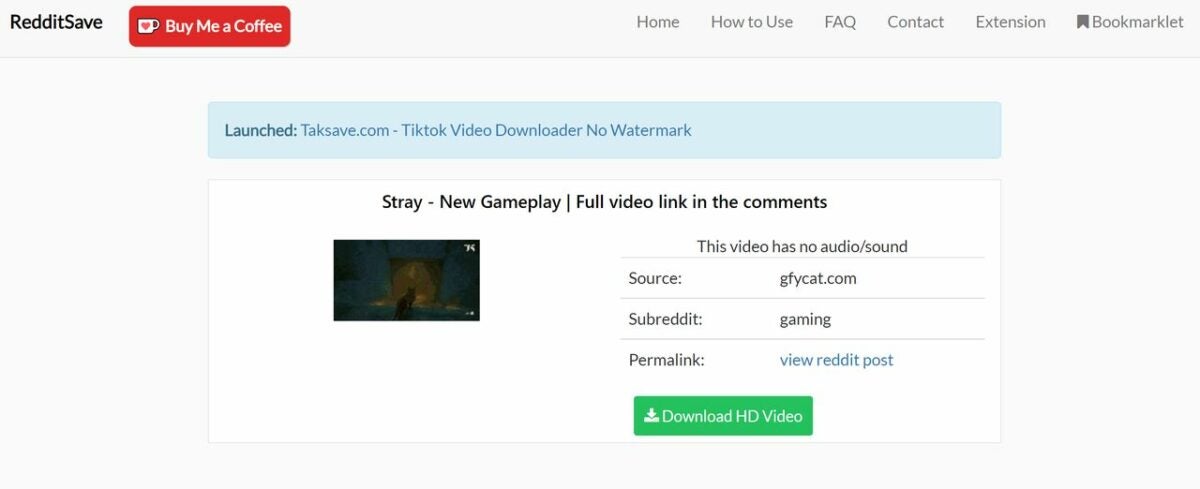
With a valid post pulled up, click the RedditSave extension icon at the top of your Chrome browser. You will see a screen with an option to Download HD Video
Click the big green download button to get the video in the highest possible quality. If there are multiple versions with different bit rates, you can choose which quality level to download by selecting the corresponding button. Regardless of which quality level you select, the video will download in the .mp4 format.
Locate and watch your downloaded video
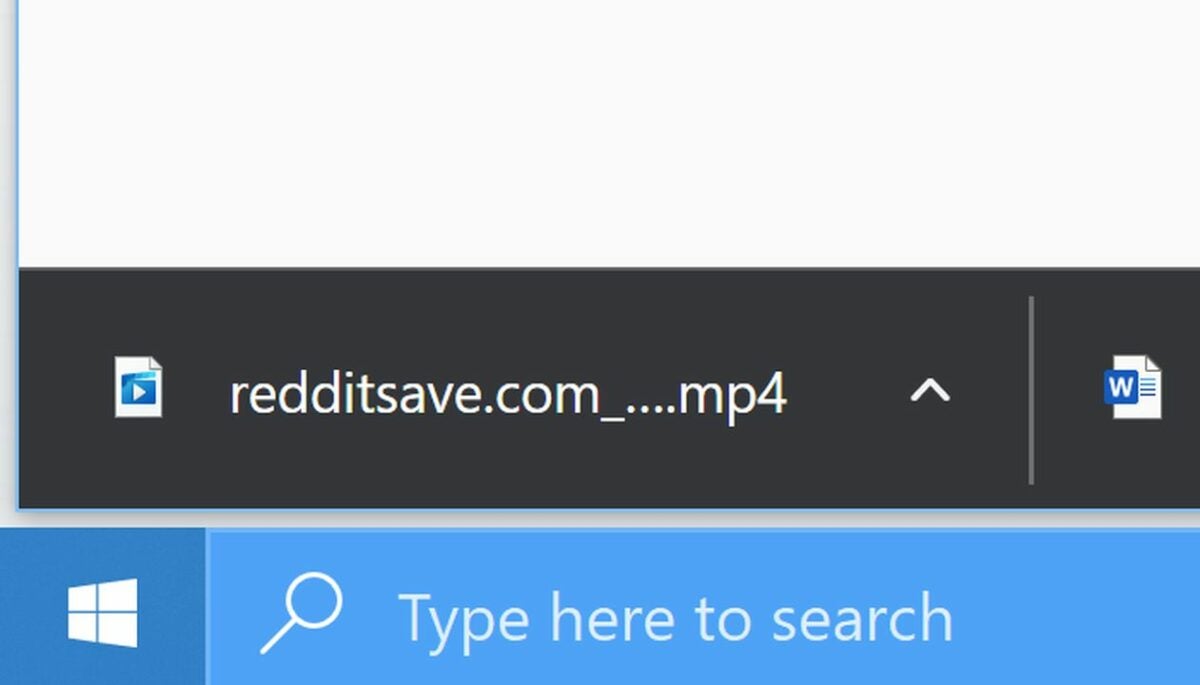
As soon as your download completes, you can watch the video on any media-playing app that supports the common .mp4 format. You will find the video in your download list, which appears on the bottom left of your screen in Google Chrome.
Alternatively, you can click the three bars in the top right corner of Chrome and select downloads. The keyboard shortcut Alt + J will take you right there also.
Looking for more apps to help you download videos from websites? Read our guide to the best video downloaders for Chrome.
You may also like
 News
NewsChatGPT achieves a 76% increase in its performance
Read more
 News
News'Clair Obscur: Expedition 33' cost a complete fortune, but it's wildly successful
Read more
 News
NewsHelldivers 2 is getting ready to receive its biggest update to date
Read more
 News
NewsThe Game Awards crowned the game of the year last night amid huge controversies
Read more
 News
NewsThe most shocking news from The Games Awards 2025
Read more
 News
NewsThe series returns where you will see Idris Elba like you have never seen him before
Read more