Instagram Stories are one of the best features of the app but they do have certain problems and limitations. For a start, they’re only available for 24 hours before they disappear completely. Also, whenever you watch a friend’s story it notifies them that you’ve seen it.. Well, what if I told you that there is a way you can watch Instagram Stories without your friend knowing that you’ve done so?
Instagram doesn’t have the function for doing this so you’re going to have to use a 3rd party app. This is where Story Saver comes in and now I’m going to show you how to use it.

How to save your Contact’s Instagram Stories
1. Download and Install Story Saver
Go to the Google Play Store and install Story Saver on your mobile. Unfortunately for iOS users, this program is currently only available for Android so this tutorial will be geared towards to Android users but there is an iOS option called Stories Repost.
2. Enter your Account Details
Open the app and introduce your Instagram username and password.
3. Search for your Friends’ Stories… or for anyone else’s for that Matter
The main menu of Story Saver will, by default, show you a list of your friends latest stories in order of their publication. You can select any of these or you can also search for stories of people who aren’t in your contacts list. You simply type their name into the search bar at the top and press “Go”.
Keep in mind that you need to know the exact name of the user you’re trying to find. No spelling mistakes errors.
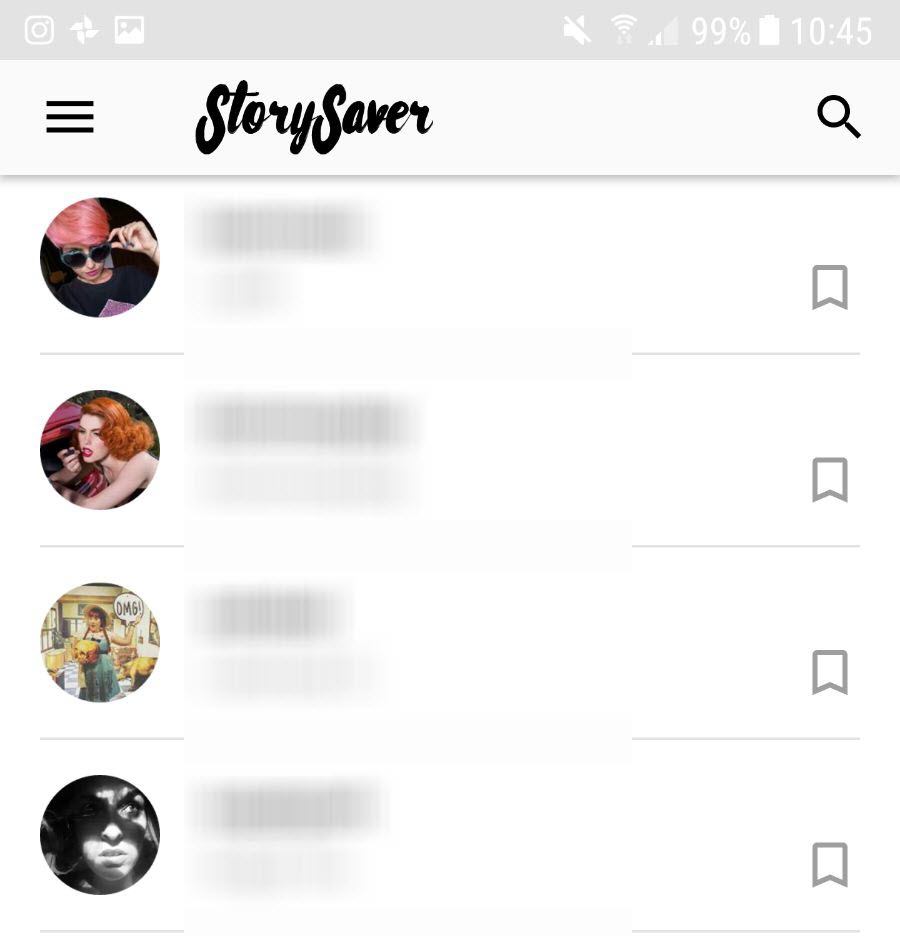
4. Choose a story and save it
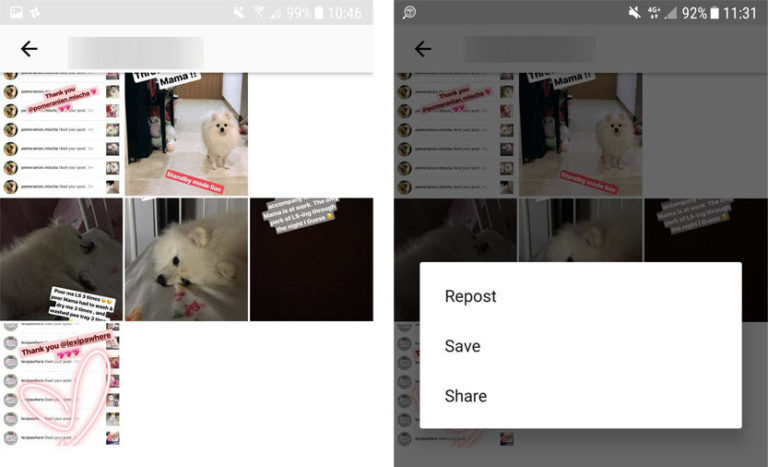
Once you’ve found who you’re looking for, the next page will give you 3 options:
- Repost gives you the option of reposting the story to your Instagram account. We don’t recommend this option unless you want everybody to think that you’re happy to steal somebody else’s content.
- Save (Recommended) allows you to save the story as a video on your phone so that you can watch whenever you want to.
- Share also saves the video on your phone but gives you the option to share it with friends via WhatsApp for example.
5. Enjoy Watching the Videos without being seen
If you follow these steps you’ll be able to watch all of your friends Instagram Stories without them knowing that you’ve seen them.
Make sure you don’t use Story Saver with bad intentions, like stealing somebody else’s content or reposting things without permission.
Need some more Instagram influence> Check out the best photographers on Instagram below: