
How To
Solving Google Play Store Error 194 | 3 Easy Ways

- May 19, 2021
- Updated: July 2, 2025 at 4:06 AM
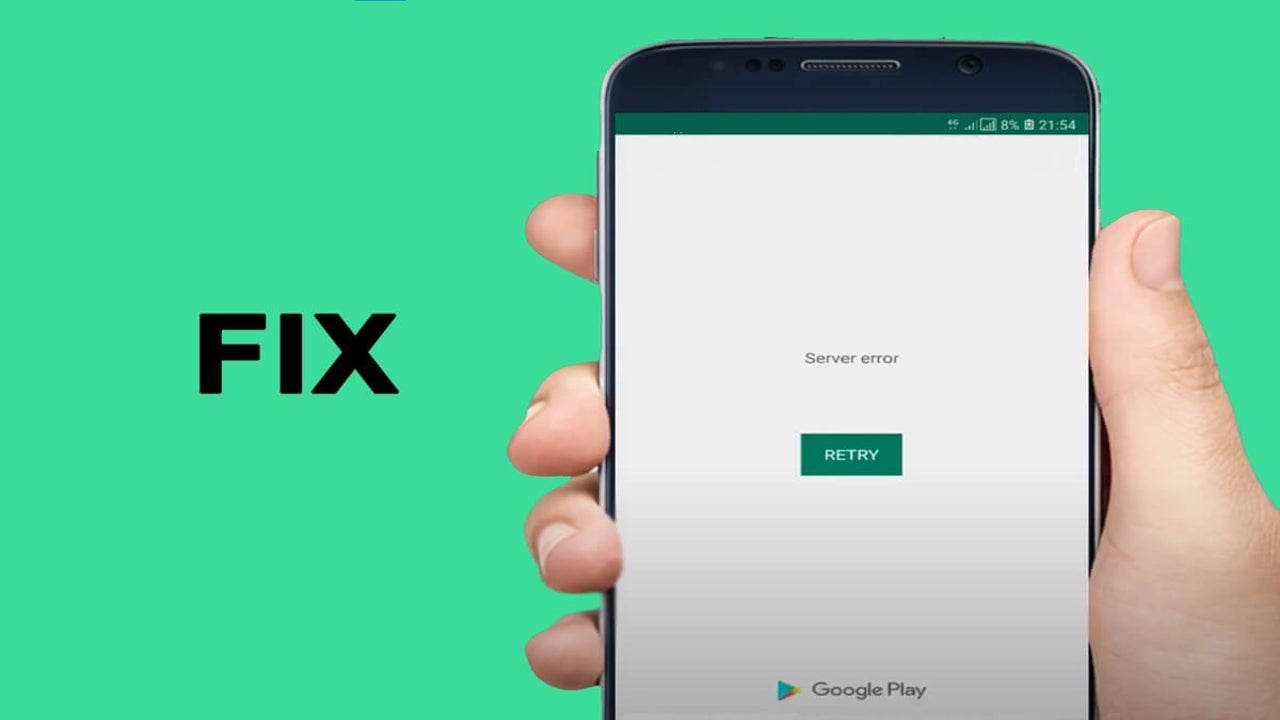
Google Play Store error 194 on Android usually happens when there’s a problem with Cache, Account, or Data. As there can be a few reasons for this issue to transpire, this article offers a few methods you can use.
Fixing Google Play Store error 194 might be tricky. We list the methods in an ascending scale of complexity. You just need to be patient and dig into settings for a bit. Try the following ways until the problem is gone.
Turn it off and on again!
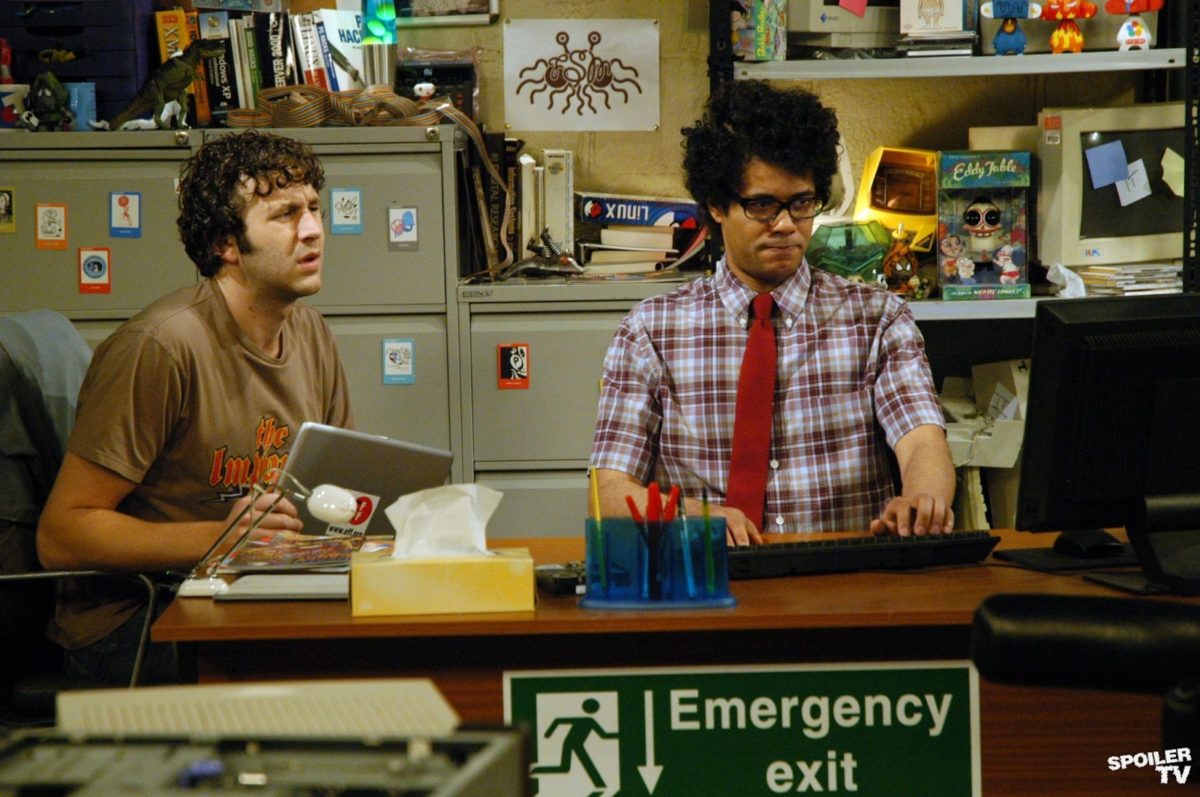
This is our own Moss and Roy situation from “The IT Crowd.” The sitcom might’ve had this solution as a running gag, but it works in case of error 194 as well. Kudos to the likable nerds!
Clear the app cache and data
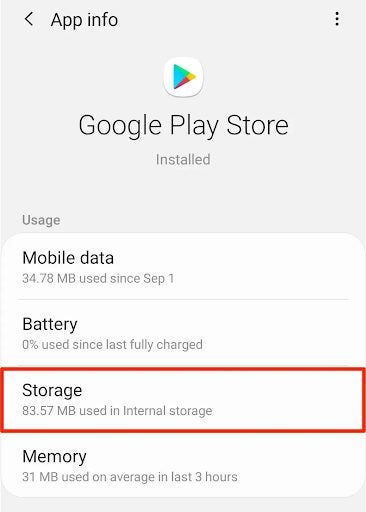
Resetting the apps to default always helps get rid of any errors and help create new data files, removing the corrupted code bits. Follow the steps below:
– Swipe up
– Navigate to Settings > Apps
– Tap the three dots
– Click “Show System Apps”
– Find the Play Store app and open it
– Navigate to “Storage”
– “Clear Data” and “Clear Cache” one by one
– Restart the deviceAlternatively, you can perform a system-wide cache and data cleanup.
Remove and add back your Google account
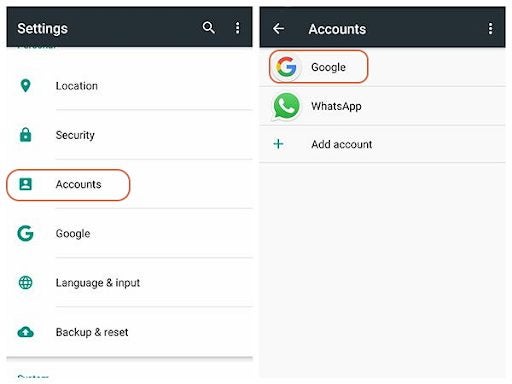
As we mentioned above, you might encounter the error 194 because of an account issue. This method comes to solve just that.
– Access your Google account from the “Settings” menu
– Tap the account and “Remove”
– Restart your Android device
– Go back to Settings > Account
– Tap “Add” and follow the prompts
Other reasons and solutions
We assume that your apps update automatically, but we also recommend that somewhere between Method one and two, you check if the Play Store is up to date. This issue might also be caused by an unstable internet connection, which you can solve using the first method.
If all else fails to solve error 194, you might want to consider a “Master Reset.” Remember, this is a drastic measure, which will wipe out all personalization and restore the default settings on your device.
Latest from Shaun M Jooste
You may also like
 News
News3 Free Security Tools Every Computer Needs in 2026
Read more
 News
NewsWe already know the first details about Spider-Man: Brand New Day
Read more
 News
NewsNon-governmental organization confirms that Microsoft is working closely to provide "digital weapons" to ICE
Read more
 News
NewsTodd Howard confirms that Starfield 2.0 will be completely different from the original game
Read more
 News
NewsGame of Thrones comes to theaters with a production that will fill one of the most talked-about gaps by fans
Read more
 News
NewsThe United Kingdom bans an advertisement for Call of Duty: Black Ops 7 for trivializing sexual violence
Read more